Contents
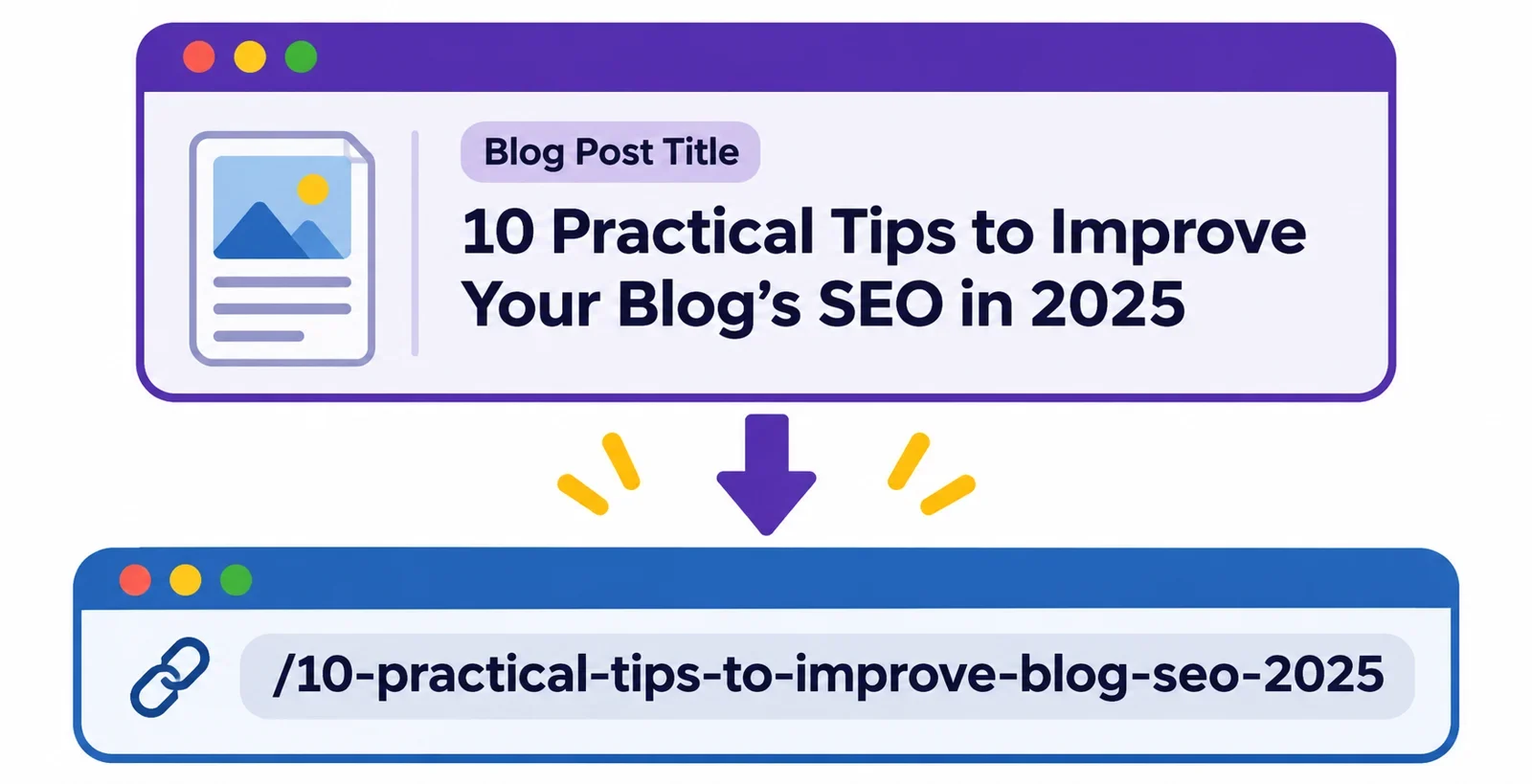
Choose a blog post slug by starting with the title, keeping the words that identify the subject, and joining them with hyphens. Aim for a short phrase that makes sense to a reader and distinguishes the post from similar articles.
Before publishing, check the proposed slug and the complete address in your publishing system. If the post is already live, take extra care: changing its address may affect links to the old one, so check how your platform handles the change before you proceed.
Recognize the slug in a post URL
A slug identifies a particular page within its URL. It is one part of the address, so you can review it without rewriting every part of the URL.
Consider this illustrative address:
https://example.com/blog/choose-url-slug
Here, example.com is the domain, blog is an earlier path segment, and choose-url-slug is the example post’s slug. The words after the domain work together as part of the address, but the slug is the portion you are choosing for this post. Your own publishing system may display the address differently, so use its preview or settings to see how the parts fit together.
Start with the post, not the whole address
When you are asked for a slug, focus on the short identifying phrase rather than entering the domain and every preceding segment. If the field’s purpose is unclear, check the publishing system’s guidance and inspect the address it displays before you publish.
For example, a post titled “How to Choose a URL Slug for a Blog Post” could use choose-url-slug-blog-post. That phrase signals the subject without repeating every word of the title. The exact final address depends on the rest of the address used by the publishing system.
The slug and title do not need to be identical as phrases. They should, however, point readers toward the same subject. If the title promises a guide to blog post slugs but the proposed slug refers only to “writing tips,” choose more precise words.
Choose the words that identify the post
Write down the full title, then underline the words a reader would need to recognize the subject. Keep the central topic first in your thinking, and add a qualifier when it separates the article from other posts on the same broad subject.
Suppose your title is “A Practical Guide to Choosing a URL Slug for a Blog Post.” The phrase url-slug-blog-post keeps the subject and the context. Words such as “a,” “practical,” and “guide” can be left out if removing them does not change what the phrase communicates. You can also retain a useful action word, as in choose-url-slug-blog-post.
Test the shortened phrase
Read the proposed words without looking at the title. Ask yourself:
- Can a reader tell what the post is about?
- Does the phrase still fit the article’s actual content?
- Would it distinguish this post from another article you might publish on a related subject?
For a post about choosing a slug, writing-guide is short but too broad. For an article specifically about blog post slugs, url-slug-blog-post gives the reader more to work with. Conversely, reproducing a long title word for word can leave extra words that add little identification value.
If two posts cover different aspects of the same topic, keep the word that expresses the difference. For example, a choosing guide and a review checklist might use choose-blog-post-slug and blog-post-slug-checklist. These are examples of editorial choices, so adapt them to what each article actually contains. Shorten with meaning in mind rather than removing words simply to make the slug smaller.
Turn the phrase into a readable slug
Once you have selected the identifying words, write them in lowercase and separate them with hyphens. Then read the result as a phrase. This gives you a consistent, readable form to check in your publishing system.
Here is one way to work from a title to a candidate slug:
| Step | Example |
|---|---|
| Original title | How to Choose a URL Slug for a Blog Post |
| Essential idea | Choose a URL slug for a blog post |
| Shortened phrase | Choose URL slug blog post |
| Candidate slug | choose-url-slug-blog-post |
The middle step is an editorial decision: it removes connecting words while keeping the topic and context. It is not a rule that every small word must disappear. If retaining a word makes your intended meaning clearer, keep it and review the result as a whole.
Check clarity and accuracy
Compare the candidate with the article itself. A slug for a checklist should not imply a comprehensive tutorial if the post is only a short list. Similarly, a broad guide should not use a phrase that suggests it covers only one narrow example. If your post changes substantially while you draft it, revisit the candidate before publication.
Check the spelling of each word and the hyphens between words. Read the phrase from left to right and look for unintended meanings created by the shortened wording. If it feels awkward, try a different order or restore a useful word. Your goal is a phrase that a reader can understand, not the shortest possible string.
Finally, enter the candidate where your publishing system asks for it and check the address it displays. The displayed result is the one to review before you share the post.
Use a text-to-slug tool and check its output
A text-to-slug tool can be useful when you want help turning a short heading into a candidate URL fragment. Start by deciding which words belong in the slug; a tool cannot make the editorial choice about which details best describe your article.
Use a short, meaningful phrase such as “Choose URL Slug for a Blog Post” as your input. Review the fragment the tool presents, then compare it with your chosen words. If the result is too vague, too long, or different from what you meant, revise the input or edit the candidate before using it. Copy the reviewed fragment into the appropriate field in your publishing system, and check the complete address shown there.
Review more than the formatting
Look for the important topic words, their order, and the separation between them. Also check spelling and any names or terms that matter to the meaning of your title. A fragment can look tidy while leaving out the word that distinguishes your post from another one.
For instance, if the intended subject is a blog post slug, an output that only says choose-url needs more context. Add the missing idea to your candidate and check that the result still reads naturally. If you are unsure which field accepts the fragment, consult the publishing system’s instructions before saving.
Check titles in non-Latin scripts
If your title uses a non-Latin script, examine the output especially carefully. ASCII output may not preserve the intended wording or meaning. Do not assume that a generated fragment is an acceptable representation of your title: compare it with the original and decide whether a reader would recognize the subject.
If the result is unsuitable, check what your publishing system accepts and choose an appropriate descriptive phrase. Where a different language or spelling is involved, ask someone familiar with it to review the wording if needed.
Review the address before and after publication
Before publishing, look at the complete address shown by your publishing system, not just the slug field. Confirm that the slug is spelled correctly, describes the post, and appears in the intended place. Check that the system accepts the proposed value and that its displayed address matches your expectation.
Use a final read-through to catch small mistakes while they are easy to address in your draft. For example, compare choose-blog-post-slug with the title and article: does the post actually help readers choose a slug? If the title has changed during editing, make sure the address still identifies the finished subject. Once you are satisfied, keep a copy of the final address for sharing.
Think through changes to a published slug
A published address may already appear in links you or others have shared. Before changing its slug, consider where the old address might be used and what readers following those links will encounter. Check the publishing platform’s instructions for its redirect behavior and for any steps you would need to take. Do not assume that a change will automatically send visitors from the old address to the new one.
If the existing slug is clear and accurate, keeping it can avoid an unnecessary address change. A small improvement in wording may not justify the work of checking old links and handling the transition. If the existing wording is misleading or a change is otherwise needed, make a plan before editing it.
After any change, check the new address and test the old one according to your platform’s guidance. Update links you control where appropriate, and verify that the outcome matches your plan. If you cannot confirm how the old address will behave, resolve that question with the platform’s documentation or support before making the change.